Following a policy from needs analysis to renewal
How Achekam's Insurance pack tracks a policy from needs analysis to in force and renewal, or ended and not taken up, and what can hold it back.
By Achekam · · 4 min read · For Insurance businesses in South Africa, Nigeria, Kenya
Launching soon. The Industry CRM add-on described in this article is launching soon. This article describes it as it will work at launch.
Ask a broker how many new policies are waiting on a client's signature, how many quotes are sitting with clients undecided, and which policies renew next month, and the honest answer is often "let me check". The answers are spread across e-mail folders, insurer portals, a spreadsheet and the memory of whoever handled each client.
A pipeline puts every policy in one place and gives it a stage. Achekam's Industry CRM, with the Insurance pack switched on, does this for short-term and life insurance brokers. This article explains how a policy travels through the pack, what can hold it back, and how to choose the pack in the first place, for brokers in South Africa, Nigeria and Kenya. If pipelines are new to your office, Investopedia's guide to customer relationship management explains what a CRM is and the sales, service and forecasting processes it covers.
Choosing the Insurance pack
When a business switches on the Industry CRM, it picks one of twenty industries. Each pack sets the words the screens use, its record types, pipelines, workflows, document requests, documents to sign, reminders, starter catalogue, ledger accounts and home-page counts. The Insurance pack is built for a short-term and life insurance broker.
A workspace runs one pack at a time. If you change industry later, every record is kept, and each record stays with the pack it was made under.
Policies, claims and quote requests
The Insurance pack keeps three kinds of record:
- Policies, from the first conversation about cover to the day the policy ends.
- Claims, from the client's first report of a loss to the insurer's decision.
- Quote requests, for when a client or prospect wants prices before committing.
Keeping these apart matters. A client with three policies and one open claim is four records, each at its own stage, rather than one overloaded contact card.
The stages a policy moves through
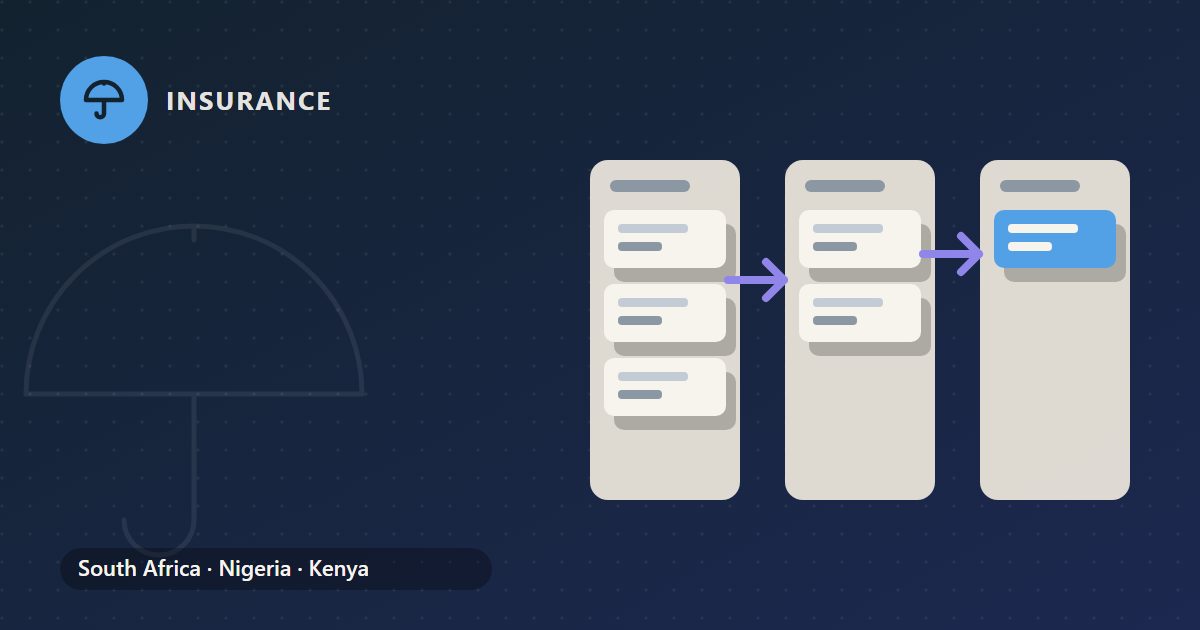
A policy in the Insurance pack moves through these stages:
| Stage | What it means in practice |
|---|---|
| Needs analysis | You are finding out what the client has, needs and can afford |
| Broker appointed | The client has appointed you to act for them |
| Quotes presented | You have put options from insurers in front of the client |
| In force | Cover is in place with the insurer |
| Up for renewal | The renewal date is approaching and terms need reviewing |
Up for renewal is where the annual review of a policy happens: checking that the sums insured still fit, that the client's circumstances have not changed, and that the renewal terms are acceptable.
Two ways a policy ends
Policies leave the pipeline in one of two ways, and the difference is worth keeping:
- Not taken up means the policy never got going. The client decided against cover, bought elsewhere, or stopped responding after the quotes.
- Ended means the policy was in force and then stopped, whether cancelled by the client, lapsed for non-payment, or moved to another broker.
Counting them separately tells you two different things. Many Not taken up policies point to a problem in how you quote or follow up. Many Ended policies point to a problem with retention. Mixing them hides both. Ask for a reason each time, and read the reasons every quarter.
Conditions that hold a policy back
In the Industry CRM, a record cannot move into some pipeline stages until set conditions are met. The kinds of condition the CRM can apply include certain fields being filled in, a customer being named, an amount being set, a workflow stage or a whole workflow being done, or a particular kind of task, such as a signature, being complete.
For a broker, this is a safety net rather than a nuisance. It stops a policy being marked as further along than the paperwork supports, so the pipeline shows where the business really is, not where someone hopes it is.
Tasks behind each stage
Each stage carries work: questions to ask, forms to sign, insurers to chase. A workflow in the Industry CRM creates its tasks stage by stage, so the tasks for presenting quotes appear when the policy reaches that point rather than cluttering the list from day one. Tasks can have subtasks up to three levels deep, which suits jobs like "obtain quotes", broken down by insurer and then by the information each insurer needs.
The paperwork at the start of a new policy is covered in new business: disclosure, mandate and record of advice.
What the pipeline holds and where its figures come from
The pack tracks policies; it does not rate them or link to insurers. Premiums and sums insured are figures you enter from the insurer's documents, explained in where premiums and sums insured come from. The pipeline's value is in showing every policy's position at a glance; the accuracy of the figures on it depends on the care taken entering them.
Income from those policies, once it reaches the bank, still needs the normal bookkeeping disciplines, including fixing anything posted to the wrong place; see correcting a journal posted to the wrong account.
Getting your book into the pipeline
Start with the policies that matter most: those in force and renewing within the next few months, and any new business already in progress. Put each at its true stage, not the stage you would like it to be at.
Then make reading the pipeline a weekly habit. Three questions cover most of what a principal needs to know:
- Which policies have sat at Quotes presented for too long, and who is following them up?
- Which policies are Up for renewal, and has each one had its review?
- What were the reasons behind this month's Ended and Not taken up policies?
Once the live book is in, the pipeline starts answering the questions that used to need a phone call.
General guidance only, not advice on your own circumstances. Tax and payroll rules change: check the current position with the authority or your adviser.
