Converting a freight enquiry
What happens in the Logistics pack when a freight enquiry is converted: the shipper and the job's record are created at once and the quoting work starts.
By Achekam · · 4 min read · For Logistics businesses in South Africa, Nigeria, Kenya
Launching soon. The Industry CRM add-on described in this article is launching soon. This article describes it as it will work at launch.
Freight enquiries arrive in every shape. A manufacturer's logistics clerk e-mails a spreadsheet of monthly volumes. An importer phones about a container arriving next week. A farmer messages asking what it would cost to move a load of produce to the market. A buyer in a neighbouring country wants a price for a cross-border run, door to door. Some will become regular shippers; most will ask for a price once and disappear.
The sales desk needs a way to keep all of them in view without turning every passing enquiry into a customer record. Achekam's Industry CRM, with the Logistics & freight pack switched on, does this with a single step called converting. This article explains what conversion creates, what work it starts and what to capture first, for transport and freight businesses in South Africa, Nigeria and Kenya.
Enquiries and spot quote requests
Each industry pack sets the words the screens use, its record types, its pipelines and its workflows. The Logistics pack calls customers Shippers, and it keeps three kinds of record: Spot quote requests, priced lane by lane; Shipments, moved leg by leg; and Shipper accounts.
An enquiry starts as a lead: someone who has asked, but has not yet agreed to anything. Keep it as a lead while you find out what they actually need. A surprising number of freight enquiries change shape on the first call: the "urgent container" turns out to be two pallets, or the one-off load turns out to be a weekly run.
One conversion creates the shipper and the main record
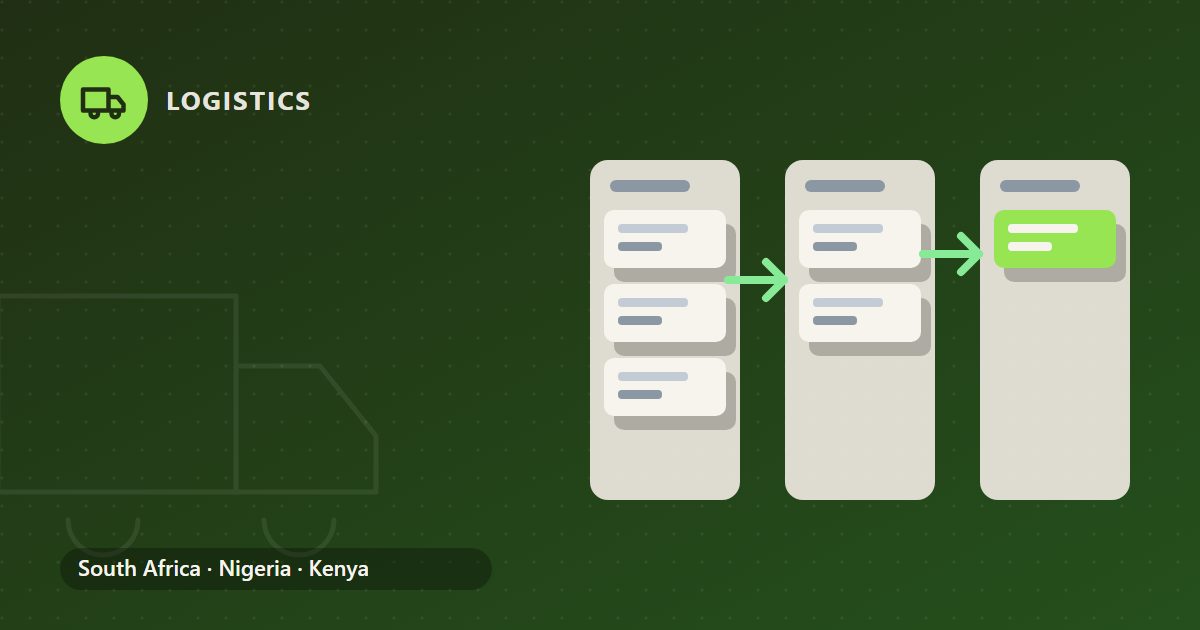
When a lead is ready to become real work, you convert it. Converting creates the customer and the industry's main record at once, and starts that record's workflow. In the Logistics pack, the customer is created as a Shipper, so the company's name, contacts and details are entered once and carried into everything that follows.
Converting does not commit the business to moving anything. It means the enquiry has become a piece of work the business intends to price properly, tied to a named shipper from the start.
Before converting, check whether the company already ships with you. A new contact at an existing customer, such as a second buyer at the same manufacturer, should not become a second shipper with a slightly different name. Duplicate shippers split the history, the statements and the credit picture across two records, and someone eventually has to untangle them by hand.
The workflow that starts
For a freight enquiry, the work that follows conversion is pricing and booking. The pack's quote-to-booking workflow gets carriers' buy rates for each lane, asks for approval when the margin is below the business's rule, and sends a rate quote with a validity date.
| Step | Why it matters |
|---|---|
| Buy rates per lane | A route through a border or a transfer point is priced part by part |
| Margin check against your rule | A quote below your minimum margin needs someone's approval |
| Rate quote with a validity date | The shipper knows how long the price stands |
The pack has no live tracking feed, no carrier rate feed, no customs system link and no credit-bureau check. Rates, statuses and customs entry numbers are entered by people. That keeps responsibility clear: the rate on the quote is the one your desk obtained. How the margin rule works is explained in spot quotes and margin approval.
Once a quote is accepted and the load is moving, a shipment goes from Booked to Collected, In transit, At customs and Delivered. It is marked delivered only with a delivery date and the name of whoever signed the proof of delivery. The Industry CRM can refuse to let a record move into certain stages until set conditions are met, so a shipment cannot look delivered without its proof.
What to capture first
Whatever the lead holds becomes the starting point for the shipper and the job, so capture the basics before converting:
- the shipper's registered name, as it should appear on invoices;
- a named contact with a phone number and e-mail;
- origin and destination for each lane, as specifically as possible;
- the cargo: what it is, packaging, weight or volume, and anything hazardous or perishable;
- the trading terms the shipper is buying under, which decide who pays for which leg and for duties;
- how often they expect to ship, so a one-off is not priced like a contract.
Trading terms are worth asking about early. The International Trade Administration's guide Know Your Incoterms gives a plain explanation of each Incoterms rule and the tasks, costs and risks it places on buyer and seller, which helps the sales desk see what the shipper is actually asking you to quote.
Enquiries to close
Not every lead should be converted. A useful rule is to convert when the enquirer has given you enough to quote and has a genuine need, and to close the rest with a short note of why:
- Out of scope. A route or cargo you do not handle.
- Price shopping. Several transporters asked; no detail given.
- No response. Follow up twice, then close.
- Not creditworthy. Your own judgement, since the pack runs no credit-bureau check.
Shippers you expect to trade with on credit go through onboarding with a credit application and trading terms, covered in shipper credit terms.
When the pack goes live
Start with the enquiries already in your inbox this week. Enter each as a lead, convert those you will quote, and close the rest with a reason. After a month, the closed reasons and the converted shippers together show where the sales desk's time actually goes.
General guidance only, not advice on your own circumstances. Tax and payroll rules change: check the current position with the authority or your adviser.
