Support tickets escalated against an SLA
How the Telecom pack acknowledges a support ticket, runs first-line checks and escalates it by tier against the SLA due date set on the ticket.
By Achekam · · 4 min read · For Telecoms businesses in South Africa, Nigeria, Kenya
Launching soon. The Industry CRM add-on described in this article is launching soon. This article describes it as it will work at launch.
A business customer's connection drops at nine on a Monday. Their agreement promises a fix within a set time. The first person to take the call restarts the router remotely, it does not help, and the ticket sits in a shared inbox until someone in the network team happens to see it. By the time anyone tells the customer what is happening, the promised time has passed and the customer is reading their contract for the cancellation clause.
The failure in that story is not technical. Every step was reasonable on its own. What was missing was a clock everyone could see, and a clear point at which the ticket stopped being first-line's problem and became someone else's.
The Telecommunications pack in Achekam's Industry CRM handles support that way. This article walks through how a ticket is acknowledged, checked and escalated, and how the SLA due date keeps everyone honest.
The path a ticket takes
The Telecom pack keeps service subscriptions, installation jobs and support tickets for internet, voice or mobile providers and resellers. A ticket in the pack:
- is acknowledged
- goes through first-line checks
- is escalated by tier, against an SLA due date set on the ticket
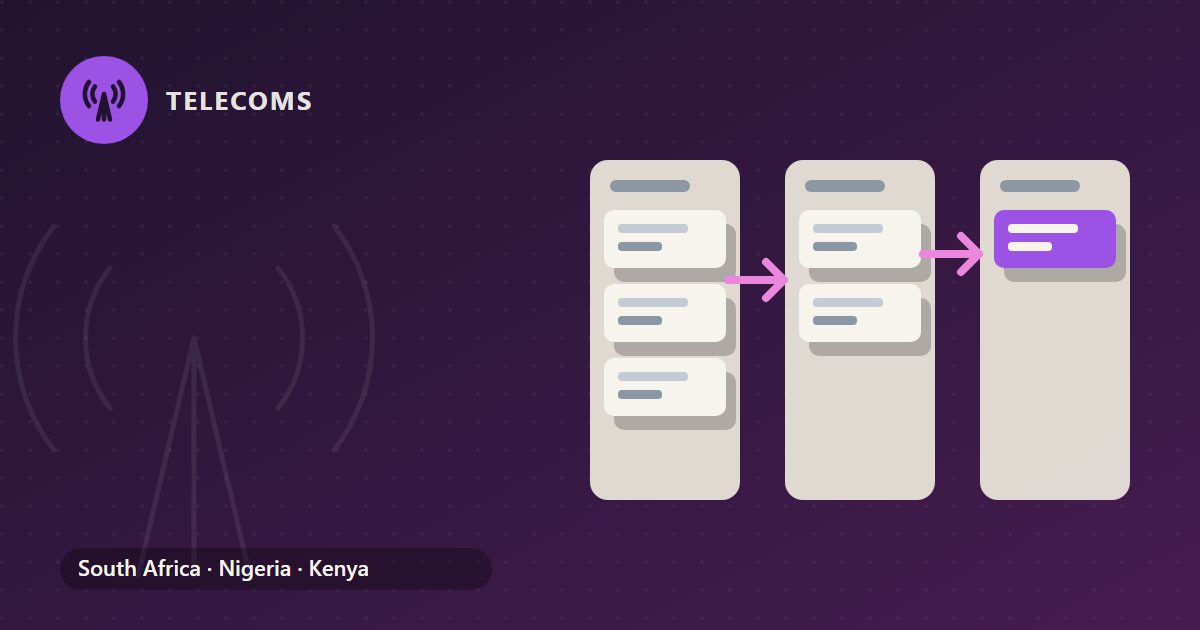
A workflow in the Industry CRM creates its tasks stage by stage, so each person sees their part when it is their turn. Tasks can have subtasks up to three levels deep, which suits the checklists that support work runs on.
Acknowledging the ticket
The first step is acknowledgement. A customer who knows their problem has been logged and is being worked on is far more patient than one left wondering.
A useful acknowledgement does three things: it confirms what the customer reported, in their words; it gives them a reference; and it tells them what happens next. If the customer has an SLA, it is reasonable to tell them when they can expect the next update.
Acknowledge even when the fault is plainly on the operator's side. "We know about it, we have logged it with the network operator, and we will update you this afternoon" is still an acknowledgement, and it stops the same customer from calling three more times to ask.
First-line checks
Before a ticket goes anywhere, first-line support works through the checks that solve most problems or rule them out. What those are depends on your service, but for a fixed-line internet provider they commonly include:
- whether the customer's equipment has power and the lights look right
- whether cables and connectors are seated
- whether there is a known outage in the area
- whether the account is active and paid up
- whether the problem affects one device or the whole connection
Record what was checked and what was found, as subtasks if that helps. When the ticket moves up, the next person starts from where first line stopped, rather than repeating the same questions to an increasingly annoyed customer.
Escalation by tier
If first-line checks do not resolve the fault, the ticket is escalated by tier. Many providers run two or three tiers: first-line support, a technical or network team, and finally the network operator or a field technician.
Agree, in writing, what moves a ticket from one tier to the next. A good rule is a combination of what was found and how much time is left. A line fault confirmed by testing goes to the operator straight away; an intermittent problem may go to the technical team first. Either way, nobody should hold a ticket because they hope to fix it themselves while the SLA clock runs down.
The pack is connected to no network and provisions nothing. When a ticket goes to the operator, logging the fault with them happens in the operator's own system, and your staff record the operator's reference and status on the ticket.
The SLA due date on the ticket
The SLA due date is set on the ticket itself. Every tier sees the same deadline, and escalation happens against it.
In the Industry CRM, a record cannot move into some pipeline stages until set conditions are met, such as a customer being named, an amount being set or a signature being done. For support, the useful discipline is the same idea applied by your team: a ticket should not be marked resolved until the customer is named, the cause is recorded and the customer has confirmed the fix.
Supervisors get a view without chasing anyone. The home-page counts in the Industry CRM come from records, tasks or the ledger, never typed by hand, and include overdue tasks and tasks due today. When the overdue count starts to climb, support is the first place to look.
Closing the ticket
Close a ticket only when the customer agrees the problem is fixed. Record the cause in plain words, whether it was customer equipment, a line fault, an operator outage or a configuration error, because those causes, added up over months, show where your service needs investment. South African internet providers that belong to ISPA also follow the ISPA Code of Conduct, which covers complaints alongside consumer information, privacy and fair-use policies.
If the cause was an outage on your side, your outage policy may give the customer a credit. That is handled from their invoice for the affected month, as described in crediting subscribers for an outage last month.
Setting it up
Write down your tiers and what moves a ticket between them. Agree how SLA due dates are set for each kind of customer. Then run the next week's tickets through the pack and review every one that went past its due date. For the record of what was installed at the customer's premises, see installation jobs: order numbers, serials and sign-off.
General guidance only, not advice on your own circumstances. Tax and payroll rules change: check the current position with the authority or your adviser.
